Podcast Room Prep Checklist for Interviews, Webinars, and Brand Videos
A great recording starts before you press record. Whether you’re interviewing a guest, presenting a webinar, or filming a brand video, a little preparation helps you spend less time troubleshooting and more time creating useful content.
Use this podcast room checklist to plan your session, check your setup, and leave with files you can use.
Before you arrive: plan the content
Define the goal. Decide what the audience should learn, feel, or do after watching or listening.
Prepare a short outline. List your main points, guest questions, introduction, closing, and call to action.
Share details with guests. Confirm the location, arrival time, topic, and expected recording length.
Choose your format. An audio interview, live webinar, and brand video each need a different setup. Decide whether you need cameras, screen sharing, slides, or a remote guest.
Confirm the room setup. Ask which equipment is available and what you need to bring, especially if you plan to record video or stream live.
What to bring to a podcast room
Your packing list depends on the project, but these essentials cover most sessions:
Your outline, script, or interview questions
A charged laptop and its power adapter, if your workflow requires one
Headphones and any personal equipment you prefer to use
Storage media or a plan for transferring the recording files
Slides, logos, product samples, or other visuals for a webinar or brand video
A backup copy of important notes and presentation files
If multiple people are recording, assign someone to manage the files and confirm how everyone will receive them afterward.
Before you press record: test the room
Arrive with enough time to settle in and run a short test. Speak at your normal volume, then listen back for noise, uneven levels, or distracting sounds. For video, check the camera frame, lighting, background, and anything visible on screen.
Silence phones and computer notifications. Move anything that might rattle or scrape during the conversation. If you’re hosting a webinar, test the presentation and remote connection before attendees join.
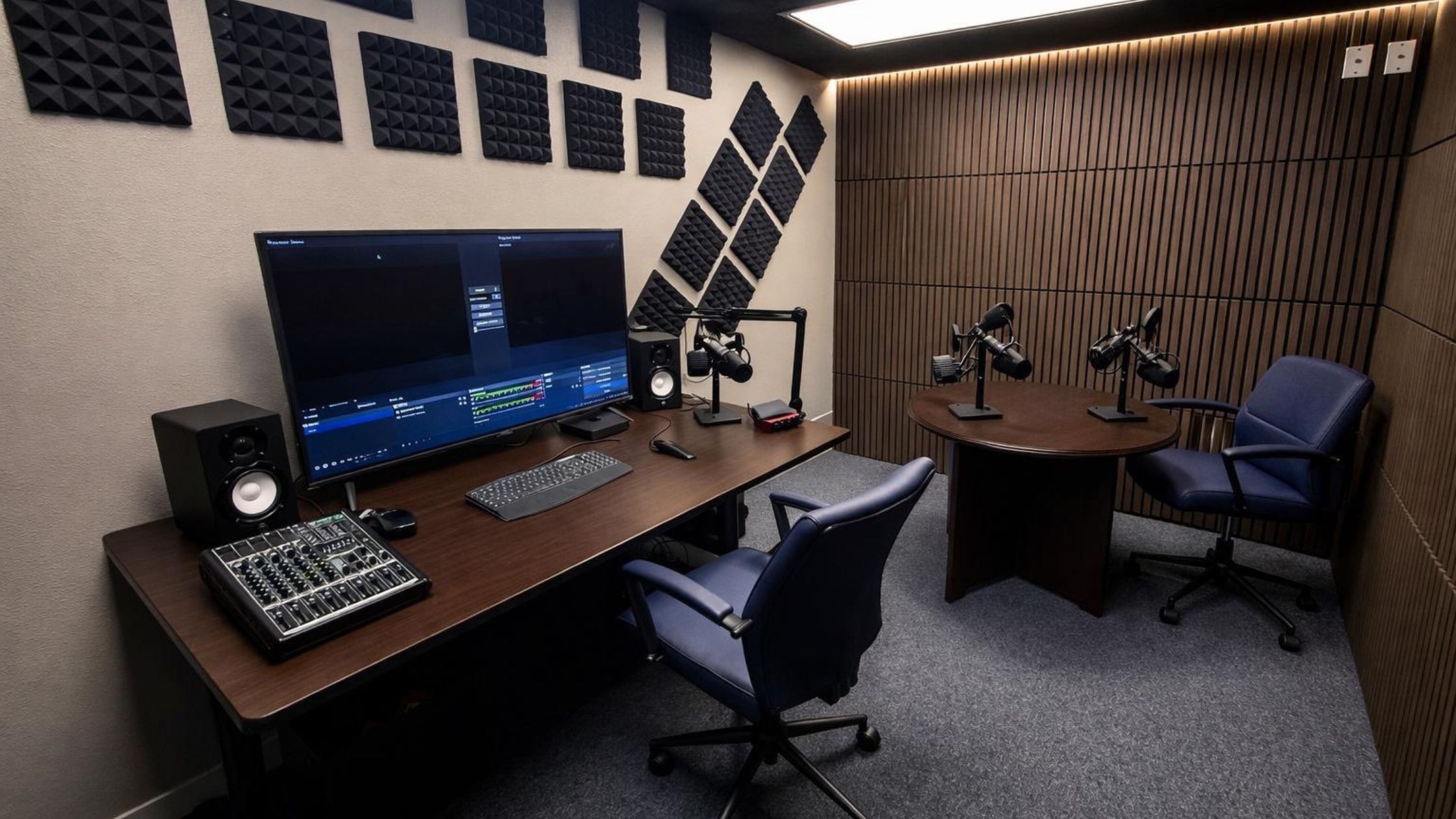
A dedicated recording space can make these steps easier. 210 Go Offices describes its San Antonio podcast room as soundproofed and equipped for recording. Confirm the equipment and setup for your specific session when you book.
After recording: protect the work
Before you leave, confirm that the recording saved successfully. Give files clear names that include the project and date, and make a backup as soon as possible. Write down standout moments while they’re fresh: a useful answer, a memorable quote, or a section that could become a social post.
Ready to plan a recording session in San Antonio?Contact 210 Go Offices about its podcast room, availability, and the setup your project needs.
Frequently asked questions
What should I bring to a podcast room?
Bring your outline or questions, any laptop and adapters your workflow requires, and a way to transfer or store your files. For video, bring your visual assets and confirm the camera and lighting setup in advance.
Can I record a webinar in a podcast room?
A podcast room may suit a webinar, but the right setup depends on your streaming platform, internet needs, camera, screen sharing, and remote guests. Confirm those requirements with the venue before booking.
Why use a podcast room instead of recording at home?
A dedicated room can offer a more controlled setting and fewer interruptions. 210 Go Offices describes its podcast room as soundproofed and equipped for recording; you should still test your audio before the full session.